- The Industrai
- Posts
- ⚡New AI Gets Released Each Week..
⚡New AI Gets Released Each Week..
It's overwhelming to try keep up so let me do it for you.

Jonathan Buckelew
November 04, 2025 • Estimated Reading Time: 3 minutes


Here is the Latest AI News that We in CRE Should Care About ⬇️⬇️
News #1: Anthropic released Claude Skills

What Are Claude Skills?
Claude Skills are specialized instruction sets that extend jts capabilities with domain-specific knowledge, workflows, or tool integrations. They're essentially folders containing best practices and detailed instructions that help it perform specific tasks at a higher quality level.
Teach it how to create presentations, search for comp property info, read T12s, absorb OMs and more.
How to Set Up and Use Skills

Step 1: Access Skills
Click on your profile icon or settings in Claude
Look for "Skills" or "Custom Instructions" in the menu
You'll see both public skills (provided by Anthropic) and the ability to create custom skills
Step 2: Browse Available Skills
Review public skills like document creation (docx, pptx, xlsx, pdf)
Check if any existing skills match your needs
Step 3: Create a Custom Skill
Click "Create New Skill" or "Add Skill"
Give your skill a descriptive name (e.g., "Commercial Real Estate Analysis")
Write clear instructions in the skill description
Save and activate the skill
Step 4: Use Skills
Once activated, skills work automatically when relevant to your request
I'll reference the appropriate skill instructions when performing related tasks
You can enable/disable skills as needed
News #2: Google released Pomelli
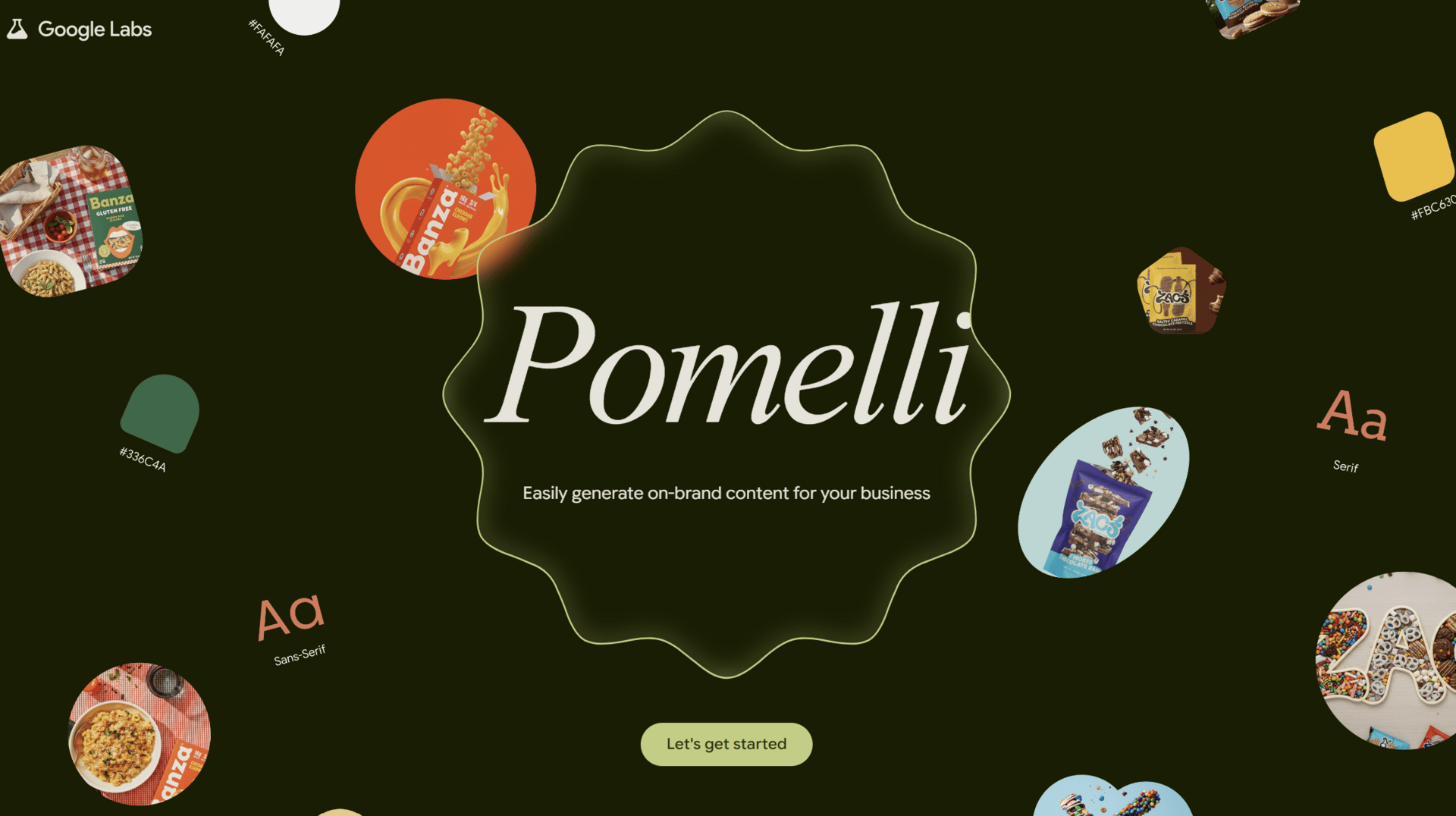
What is Pomelli
Pomelli is an AI marketing tool developed by Google Labs that targets small to medium-sized businesses (SMBs) that may not have large marketing budgets or dedicated marketing teams.
It’s Goal: you give Pomelli your website (and existing brand assets) and it will automatically learn your brand “DNA” (tone, color, fonts, style) and then generate marketing campaign ideas + creative assets aligned with that identity
It automates the creation of on-brand marketing content: social posts, ads, banners, etc., aligned with your existing brand identity.
2025 and beyond is all about the brand (company + personal).
I’ve been a huge benefactor of building a personal brand on LinkedIn.
I did it using blood, sweat and tears.
AI has helped but 95% of what I do comes directly from my brain (which has become more and more aided by AI- nothing wrong with that).
The doors that have been opened by opening up my professional life + opinions on LinkedIn prove to me that a personal brand is the new desirable currency in any industry.
So small and medium-sized real estate companies (investment shops, property management companies, proptech startups and more) who don’t have the brand recognition yet should take notice of Pomelli.
How it works (step-by-step)
Brand input & “Business DNA” scan
Upload or provide the URL of your business website. Pomelli scans it (text, images) and extracts visual + brand features like your palette, fonts, tone of voice.
It creates a profile (“Business DNA”) that guides everything generated thereafter.
Generate tailored campaign ideas
Once the brand DNA is built, Pomelli suggests campaign directions and creative prompts tailored to your business. Or you can input your own prompt.
Build marketing assets
Pomelli generates ready-to-use creative assets (social media posts, ads, banners, etc) that align with your brand identity.
There are editing capabilities inside the tool so you can tweak copy, images before download.
Deploy & iterate
Download the assets and deploy across your channels (website, social, ads). Feedback from usage may guide future revisions.
I’ve never worked for a CRE company that had an in-house marketing team.
Now you don’t need one.
News #3: Microsoft is Waking Up: Co-Pilot Gets an Upgrade
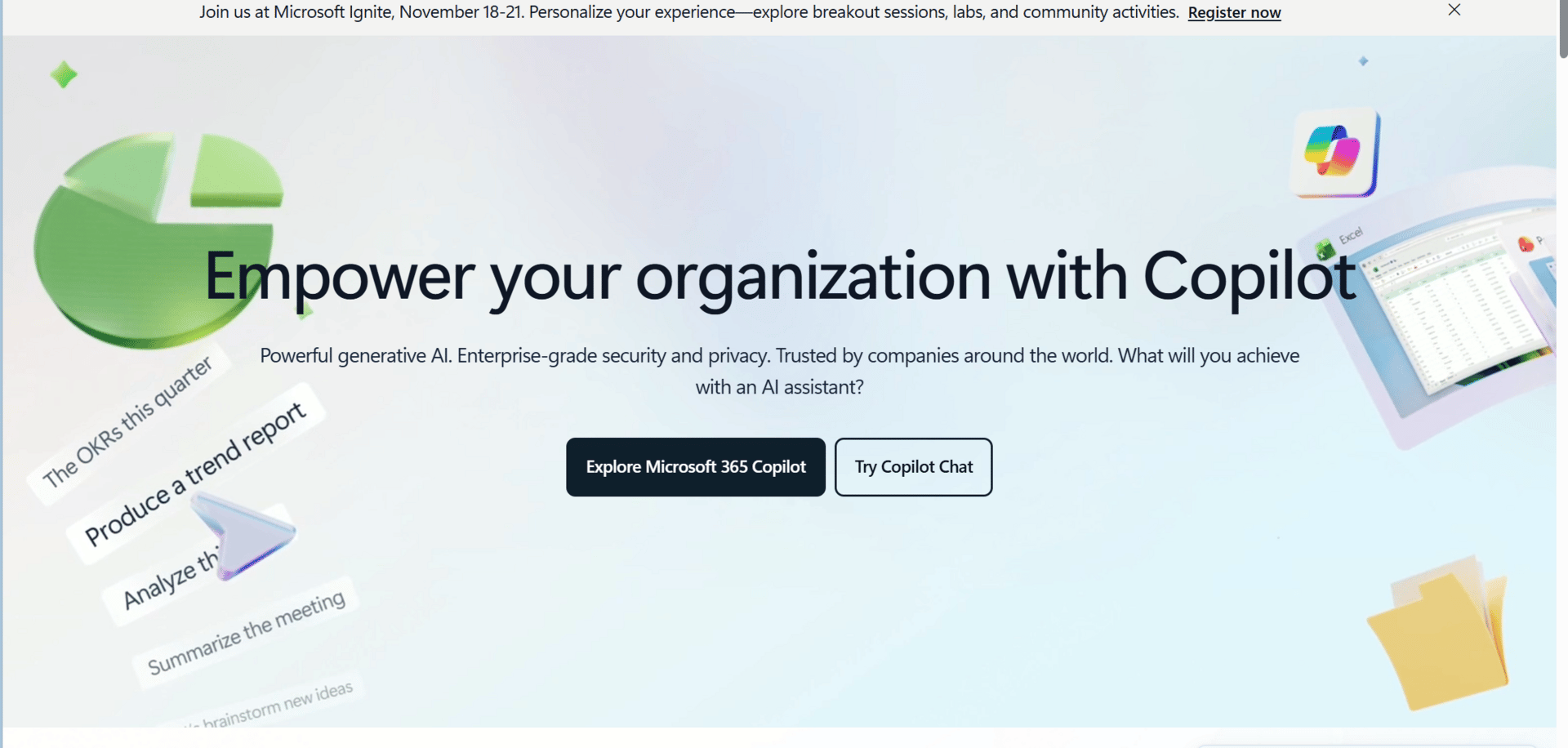
Like most people in CRE, I use all of the main Microsoft Office Tools: Excel, Word, and sometimes Powerpoint (only once AI like Genspark or Gamma has created it first).
I even have a Microsoft Surface Laptop, which I’ll never trade because I love it.
But when it comes to AI and Microsoft? Yuck.
I even deleted the Co-Pilot app that comes standard on Microsoft computers when I got this model (my second) 6 months ago.
But I feel like Microsoft AI is waking up.
They have such a monopoly on what we use in CRE: EXCEL.
Google Sheets is cool but it’s not Excel.
So it would make sense that adding AI into my excel spreadsheet would almost guarantee me using it.
Here’s How to Use Co-Pilot in Excel

Open Excel (desktop or web) → make sure you’re signed into Microsoft 365 with Copilot access.
You’ll see a Copilot icon (star + ribbon) in the top right of your toolbar or in the “Home” tab.
Click it → a chat pane opens on the right.
You can now type prompts like:
“Summarize this dataset.”
“Highlight anomalies in column D.”
“Create a chart showing NOI vs. operating expenses over time.”
You can ask follow-up questions or say “Refine this chart to show quarterly averages” — Copilot now remembers context.
Here are Some Real Estate Use Cases so You Don’t have to Use Your Brain:
Rent roll analysis: “Calculate average rent growth by unit type for the past 12 months.”
Budget variance review: “Summarize which expense categories are >10 % above budget and generate a variance chart.”
CapEx tracker: “Create a Gantt-style visual for renovation timelines using columns A–F.”
Portfolio summary: “Generate a table showing NOI, DSCR, and Occupancy by property, and rank by ROI.”
Those are my top three things from this past week.
Let’s see what this week brings ⚡⚡⚡⚡
AI is moving fast. My goal is to help the Real Estate Industry keep up.
Hope you enjoyed this.
Jonathan
Founder, The IndustrAI
1